Instant Workflows with Automation Templates
 Chris Clark
Automation Templates are now available for all Modem users. Browse them from the Automations page.
Automation Templates are the easiest way to get started with one of Modem's most powerful features. Each template is a tested, ready-to-go agent automation that you can install in a couple of clicks. They cover workflows we've refined internally and with customers over the past few months, and they stay up to date as we improve them.
The problem
Automations are flexible, but that flexibility can make them annoying to set up. Getting the prompt right, picking the right schedule, figuring out what data to pull in. It takes time to hammer out the details.
On top of that, the Modem agent has a lot of capabilities that aren't always obvious. It can cross-reference topics with GitHub PRs, pull usage data from PostHog, look up stale tickets in Linear. Templates are a way to put those abilities to work without having to discover them yourself. And as Modem gains new capabilities, templates give us a way to ship those to you quickly.
How they work
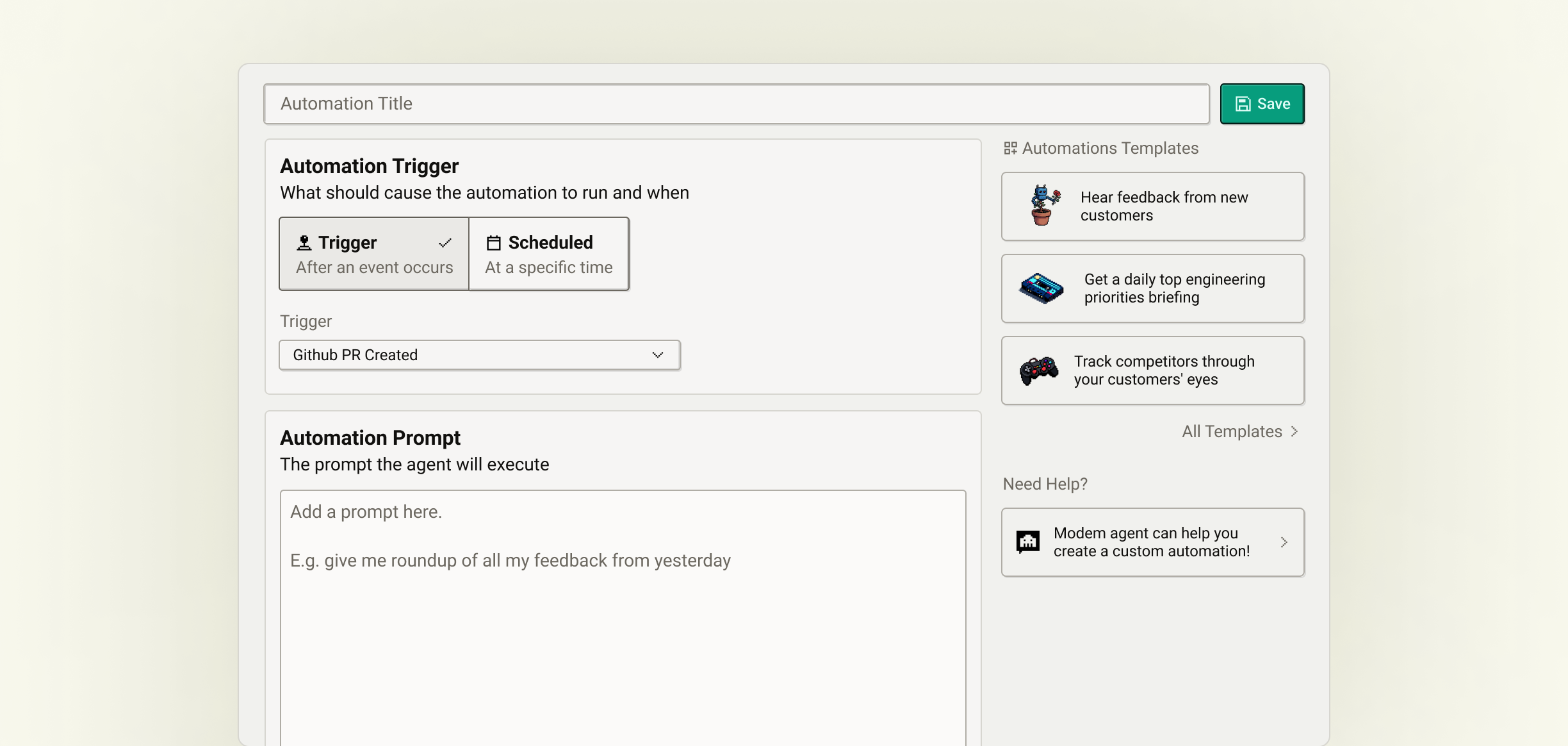
When you install a template, it creates an automation. Same thing you'd build from scratch, just pre-filled with a prompt, schedule, and output destination.
As long as you haven't edited the prompt, the automation will receive updates as we improve the template. If you want to customize it, you can fork it at any time and make it your own.
A few examples
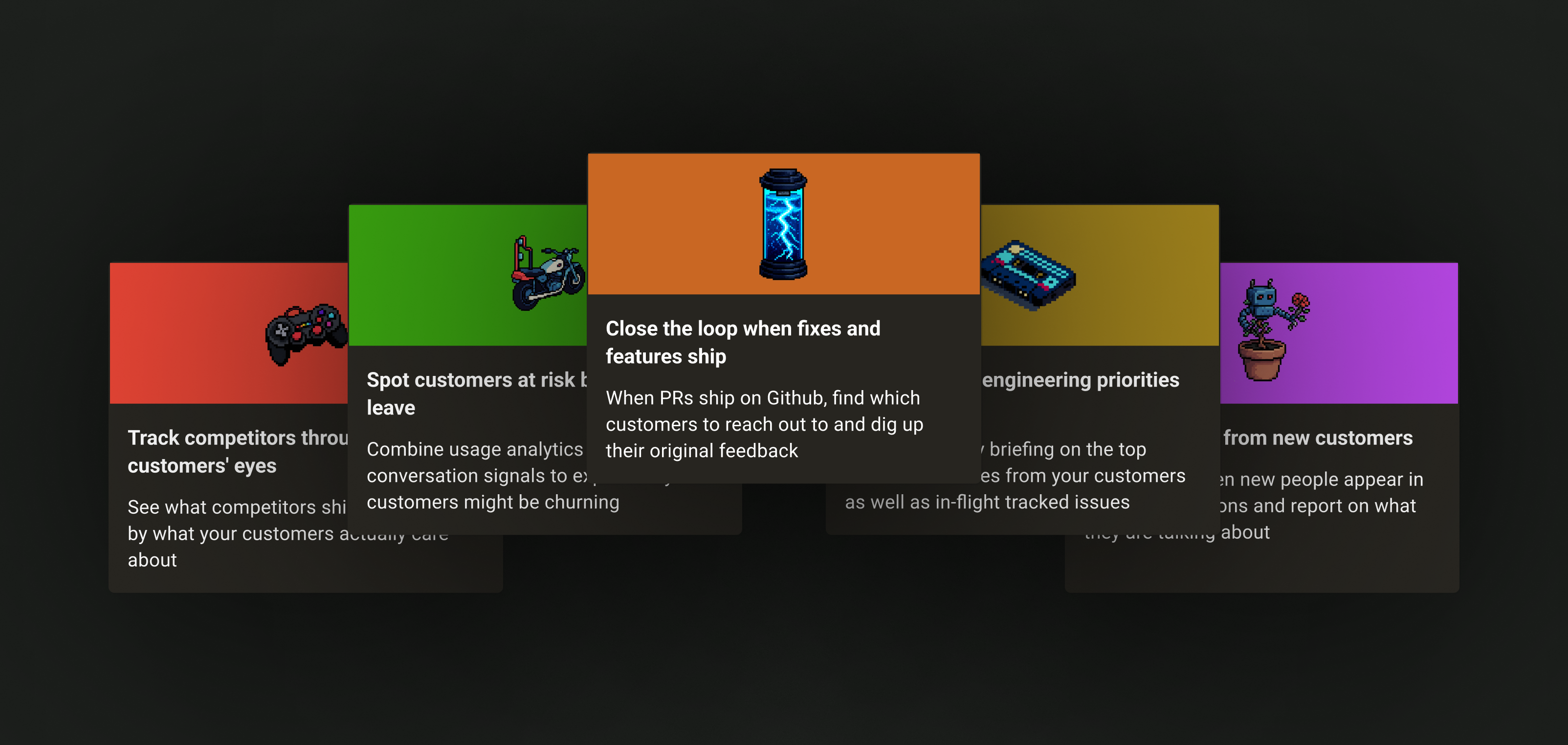
Close the loop fires when a GitHub PR is merged. If that PR is linked to a high-priority customer topic, the automation posts to Slack with the customer's name, company, and a nudge to follow up. Before this, we'd ship a fix and forget to tell the person who reported it. Now that happens automatically.
New voices spotter runs every morning and finds people who showed up in your conversations for the first time in the last 24 hours. It reports who they are, what company they're from, what they're talking about, and pulls a few representative quotes. Good for knowing when new customers are engaging.
Weekly changelog runs every Monday and drafts a customer-facing changelog from your merged PRs. Modem already has a synced, pre-processed copy of your GitHub PR data, so it can filter out internal changes and keep only what's user-visible. It also cross-references each change against your topics, so if a customer asked for a feature that just shipped, the changelog flags it.
Get started
Browse the full template library from the Automations page. Pick one, choose where to send the output, and click Add Automation.