How to track feature requests in Intercom
Feature requests arrive in Intercom conversations all day — "any chance you'll add recurring invoices?" — and the default outcome is that the teammate answers "it's on our radar," the conversation closes, and the request is gone. Intercom has the machinery to do better: conversation tags, reporting on them, and integrations outward to your tracker.
Tags will carry you a surprisingly long way if you set them up deliberately. Here's the setup, and the honest point where it stops working.
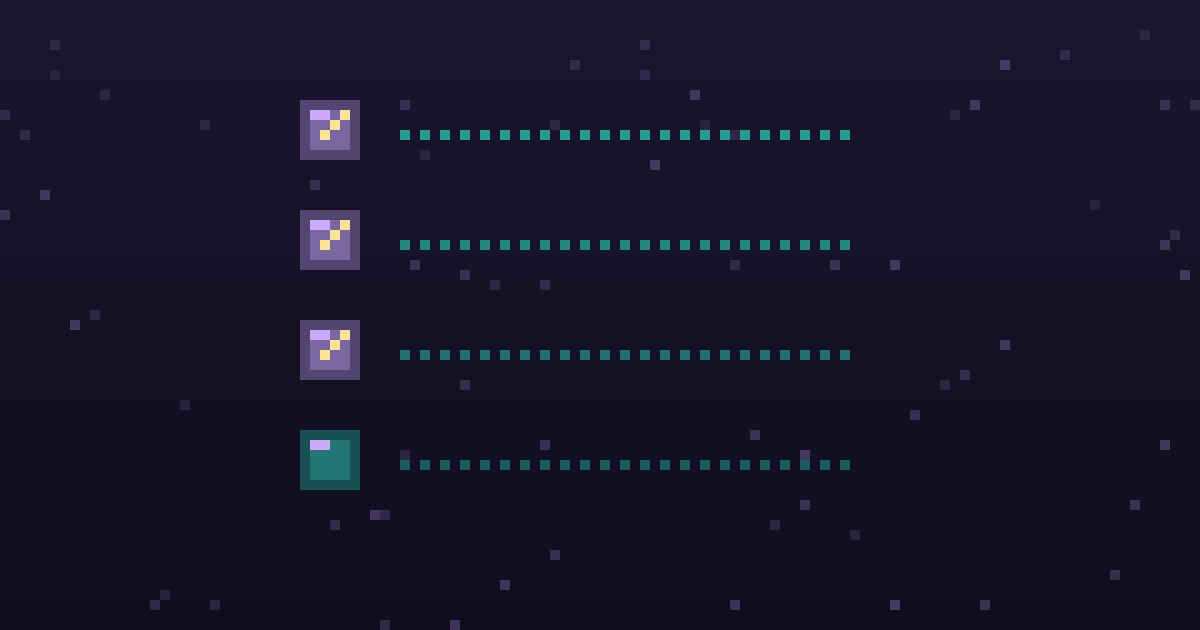
 “we need SSO before rollout”
 “any update on single sign-on?”
 “SSO came up twice on this call”
 Linear issue, quotes attached
 insight report in Notion
Step 1: create a small tag taxonomy
Intercom lets you tag conversations with anything, which is the trap — organic tagging produces feature request, feature-req, and FR: exports within a month, and the counts fragment.
Decide the taxonomy up front, and keep it two-level:
- One umbrella tag:
feature-request - Product-area tags:
fr-reporting,fr-permissions,fr-integrations,fr-billing— 10 to 20, no more
Intercom's own guidance on tracking requests and bugs with tags follows this pattern: general tags you can search and report on later. Skip per-feature tags until a request recurs; a tag applied once tells you nothing.
Write the taxonomy in an internal note or your team wiki, with one-line definitions. Tag drift is the number one killer of this system.
Step 2: tag at reply time, as part of the answer
The rule for teammates: if your reply contains any version of "we don't do that yet," the conversation gets feature-request plus one area tag before you close it. Tagging happens in the same breath as replying — a batch "tag things later" session never happens.
A realistic exchange:
Customer (Dana @ Acme): Is there a way to schedule the usage report to email us weekly? We're pasting it into a deck every Monday.
Teammate: Not yet — today it's export-only. I've logged this as a request. (tags:
feature-request,fr-reporting)
Note what the tag preserves automatically: the exact wording, the person, their company attributes, and the conversation link. That's everything a roadmap decision later needs — no re-typing into a spreadsheet.
Step 3: count monthly, and roll conversations into themes
Tags find conversations; they don't dedupe them. Once a month, filter by feature-request per area tag, read through, and group into themes with counts: "scheduled reports — 8 conversations, 6 companies." Intercom's tag reporting shows volumes over time, and you can export to CSV to slice by company or plan.
This review is where the real ranking data comes from — "8 conversations, two enterprise accounts" is an argument; a tag count alone isn't quite. Keep the theme list wherever your team centralizes feedback, with conversation links attached as receipts.
Step 4: promote recurring themes to your tracker
When a theme crosses your threshold, it becomes an issue in Linear, Jira, or GitHub, carrying the conversation links and requester list. Intercom's Linear integration can create or link issues from a conversation directly, which keeps the paper trail intact. The tracker issue is the roadmap item; Intercom remains the system of record for who asked.
Step 5: close the loop from the tags
When the feature ships, the tag is your requester list. Filter the theme's conversations, and reply to each: "You asked about scheduled reports in March — they shipped today." Every requester has an open conversation thread and a known email, which makes Intercom one of the easiest loop-closing channels there is. The wider practice is covered at close the loop.
Where tags stop being enough
Be honest about the limits, because they arrive predictably:
- Tagging depends on humans noticing. Requests phrased conversationally ("we ended up building a script for this") don't get tagged, and untagged is invisible.
- Dedupe is manual. The monthly grouping session grows linearly with volume.
- Counts live in Intercom while prioritization happens in your tracker, and the two drift.
Past roughly a few dozen requests a month, this is the point where teams add an extraction layer. That's the category we work in — Modem reads Intercom conversations, pulls out feature requests whether or not anyone tagged them, dedupes them into counted themes, and files tracker issues with the requesters attached. The themes live in a context graph that keeps each request linked to the person and account behind it, so "who asked" survives the trip from Intercom to the tracker instead of drifting. We build Modem, so weigh the recommendation accordingly; the alternatives for this exact job are compared in best tools to mine feedback from Intercom conversations. Below that volume, the tag system above is genuinely sufficient.
The smallest version you can start this week
Create feature-request plus ten area tags, post the one-line tagging rule where the support team will see it, and put the first monthly count on the calendar. The first time you reply to eight requesters on ship day, the team will stop needing to be reminded to tag.
