

Your roadmap is already in your calls.
Your best feedback is buried in calls nobody outside sales opens. Modem reads the transcripts, starting with your last 30 days, and turns them into topics your team can act on.
How Modem works with Gong
A Gong technical admin authorizes Modem once, read-only. From then on Modem picks up transcripts of new recorded calls and treats them as one more source of customer feedback.
Maya
the 25k export times out
Dan
flagging that to product
no audio or video
Transcripts, not recordings
Modem reads the text of a call as speaker turns. It never touches audio or video, and never writes back to Gong.
30 days back
today
Starts with your last 30 days
Connecting imports up to 30 days of recent calls, so topics form on day one instead of after the next call.



Calls, next to everything else
What a customer said on a call sits beside their support tickets and their messages, grouped as one topic.
What those calls turn into
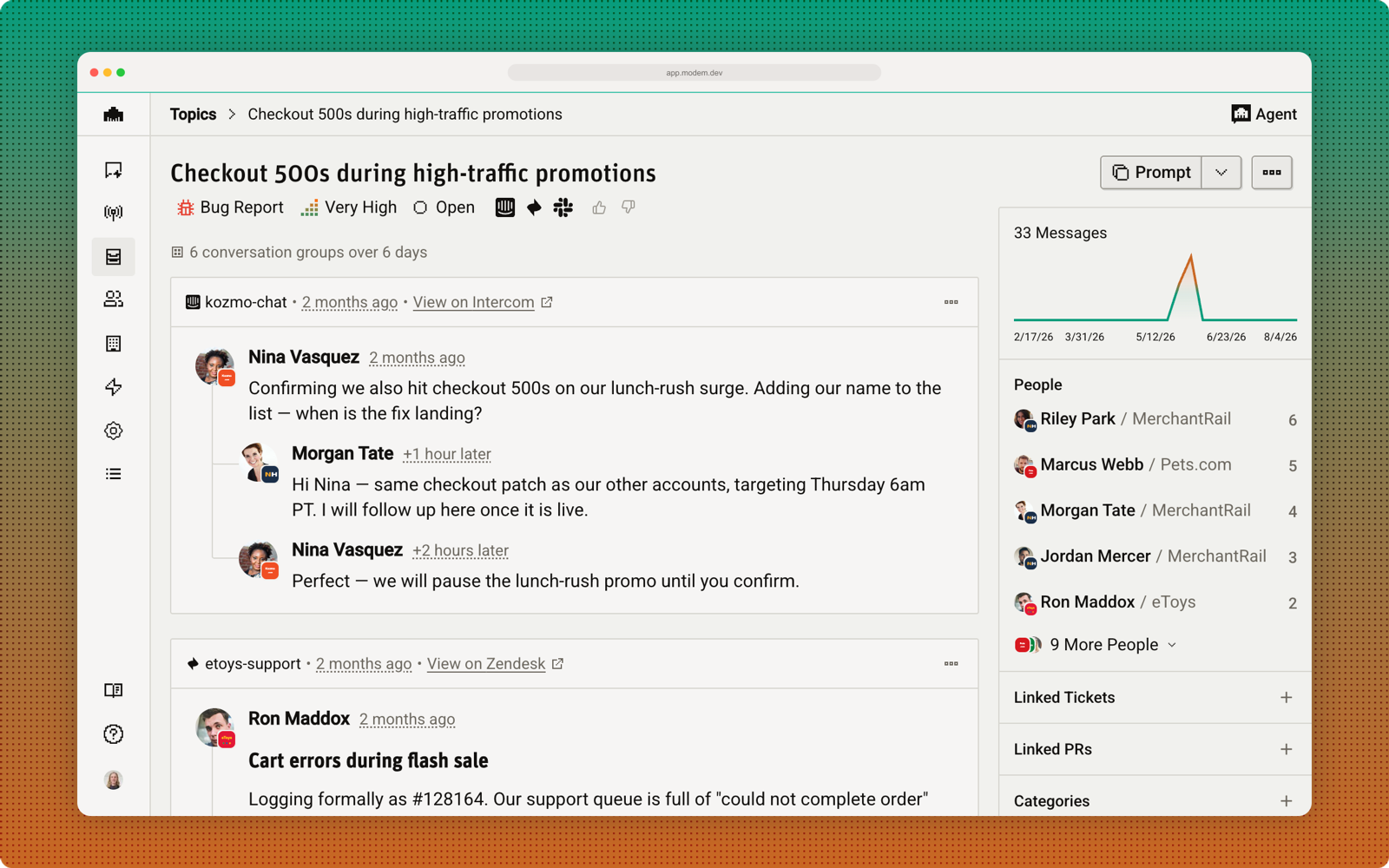
Transcripts land in the same prioritized view as the rest of your customer conversations at app.modem.dev, grouped by subject rather than by which tool the words arrived in. When it ships, Modem closes the loop with the rep who took the call.
 DiscordGongSlackZendesk
 IntercomEmail
 Linear
 GitHuband more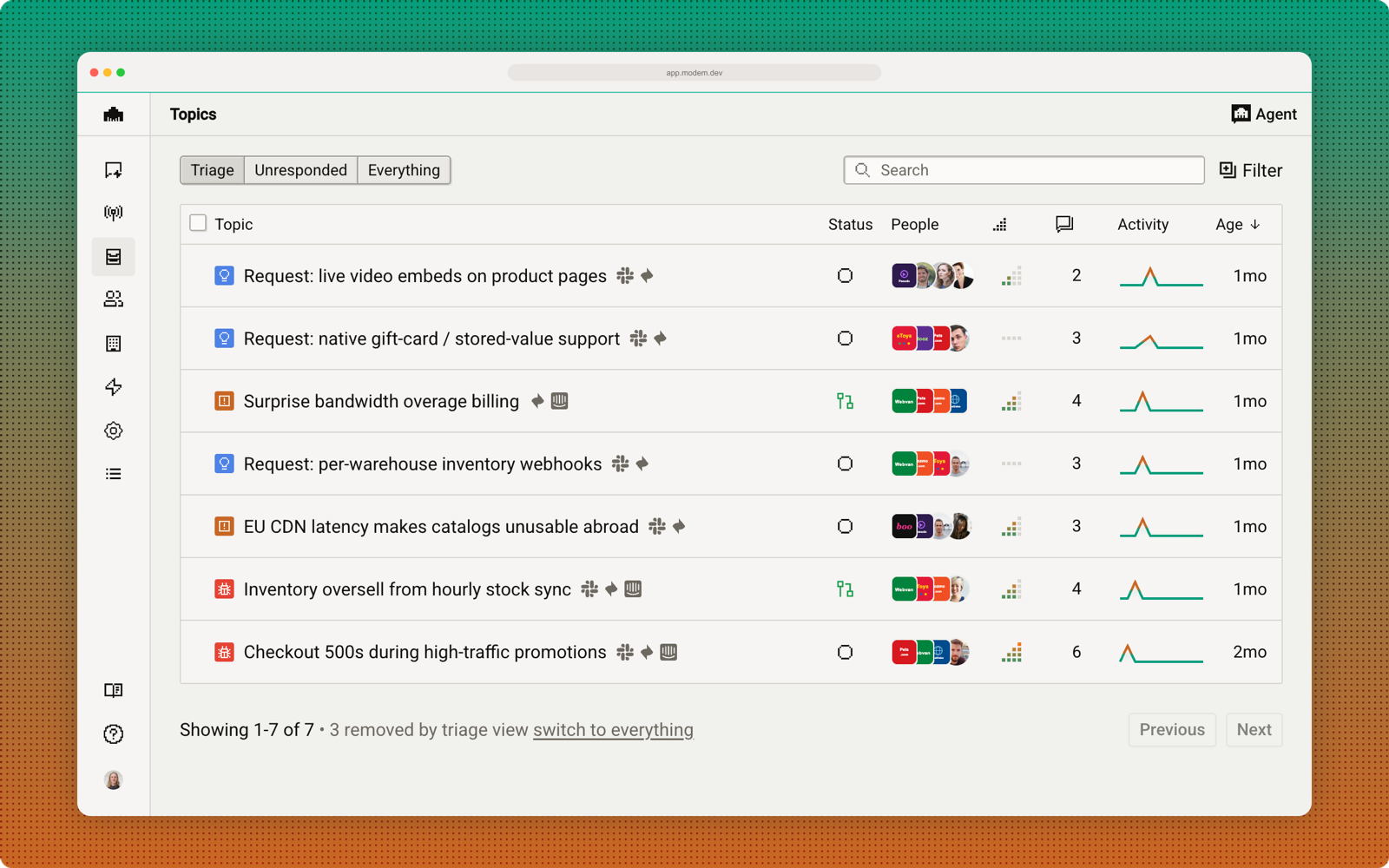
Connect Gong
Setup takes a few minutes: your Modem admin starts it, your Gong technical admin approves it.
- 1
Open Settings → Integrations → Gong
Press Connect with Gong. Only owners and admins of your Modem organization can start this.
- 2
Have a Gong technical admin authorize it
Gong shows the read-only scopes Modem is asking for. A Gong technical admin has to be the one to approve them, because Gong grants API access at the account level.
- 3
Choose your workspaces and call types
Your Gong workspaces sync automatically. Toggle off any you do not want captured, and decide whether to keep the external-calls-only default.
- 4
Look at your last month
Connecting imports up to 30 days of recent calls in the background, so topics start forming without waiting. New calls land within about 15 minutes of Gong processing them.
See it on your own calls.
Book a walkthrough and we will show you what a month of your calls looks like once they sit with everything else, and how your reps hear about it when a customer request ships.