




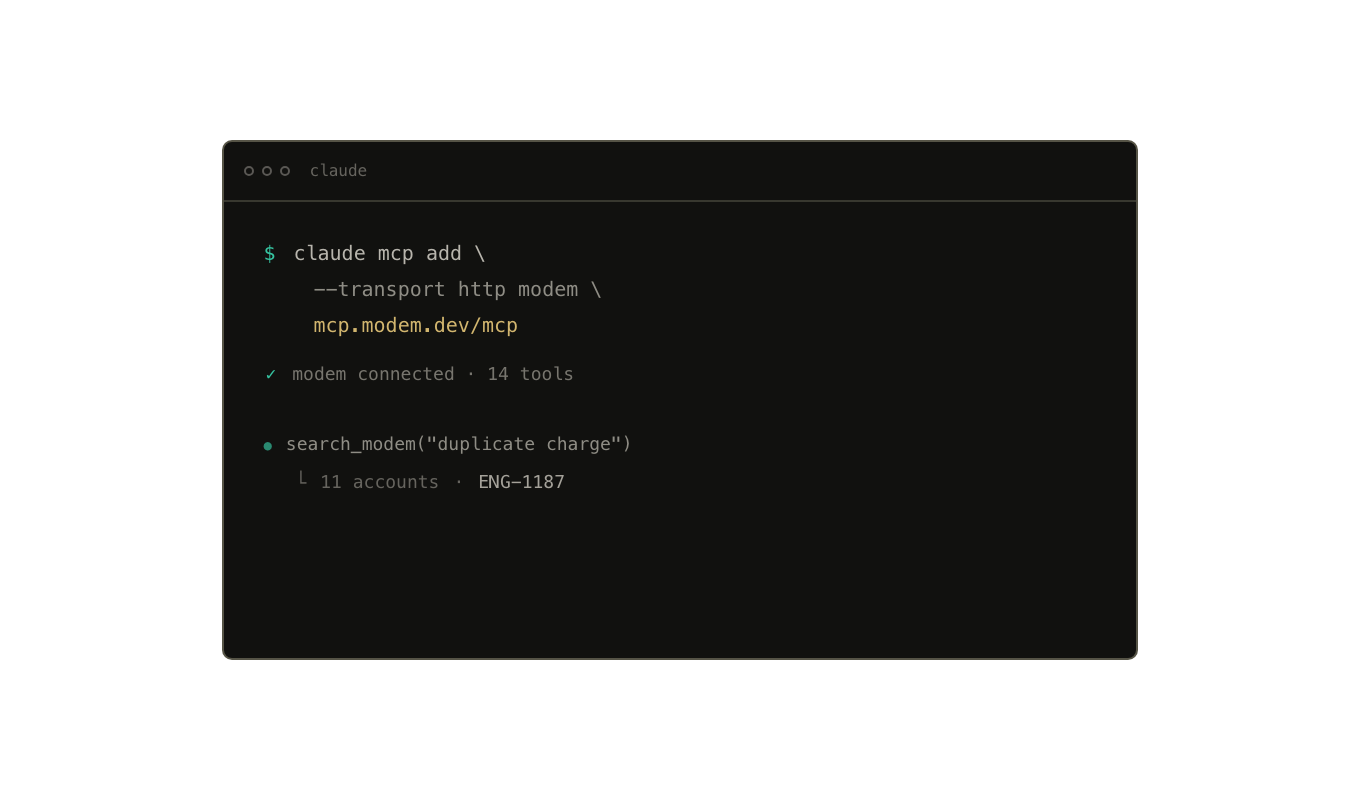
MCP
Customer context in the agent you already use. Connect Claude Code, Cursor, Codex, and more.
Connect your agentGive every agent the customer context to do useful work. What happened, who it affects, and what needs to happen next.
Customer context in the agent you already use. Connect Claude Code, Cursor, Codex, and more.
Connect your agent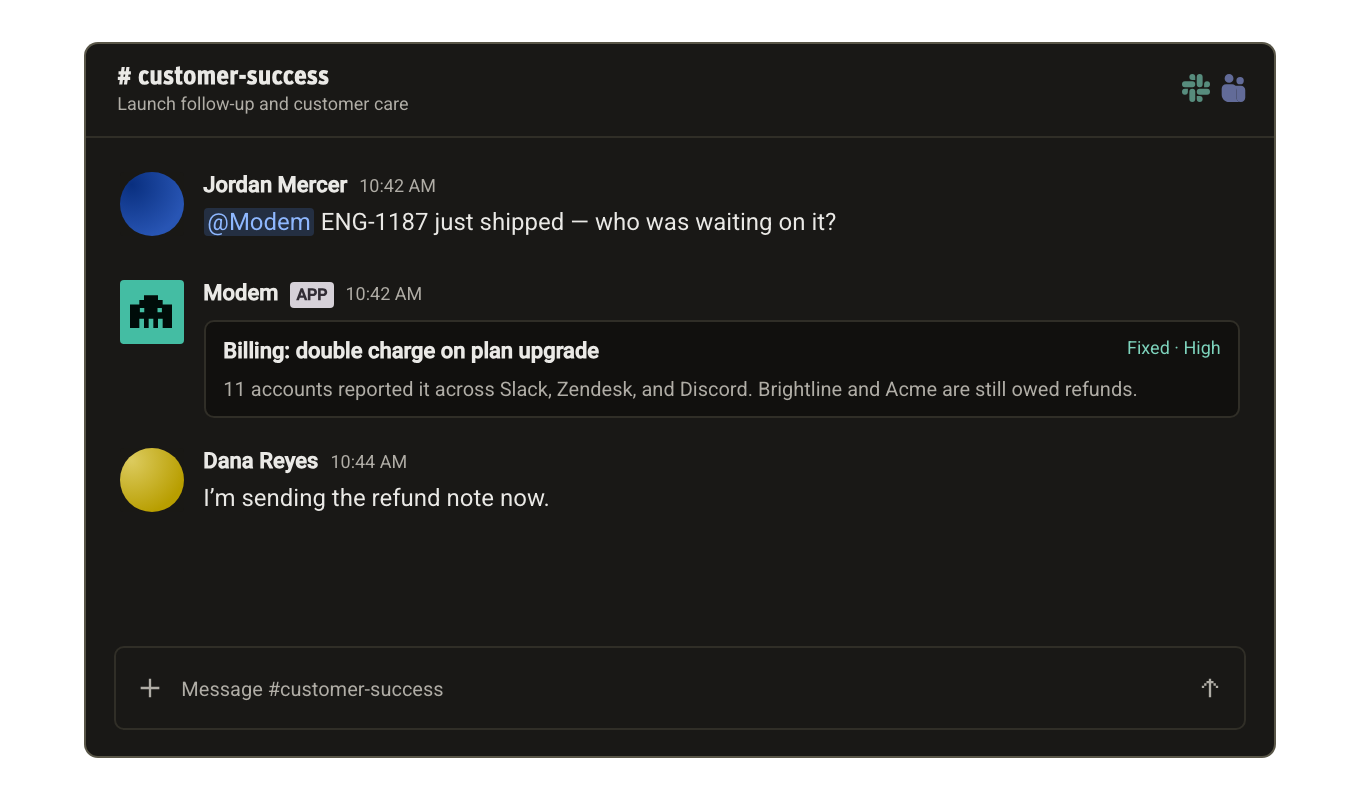
Ask a question, create a ticket, or close the loop with customers, right where your team works.
Meet Modem in Slack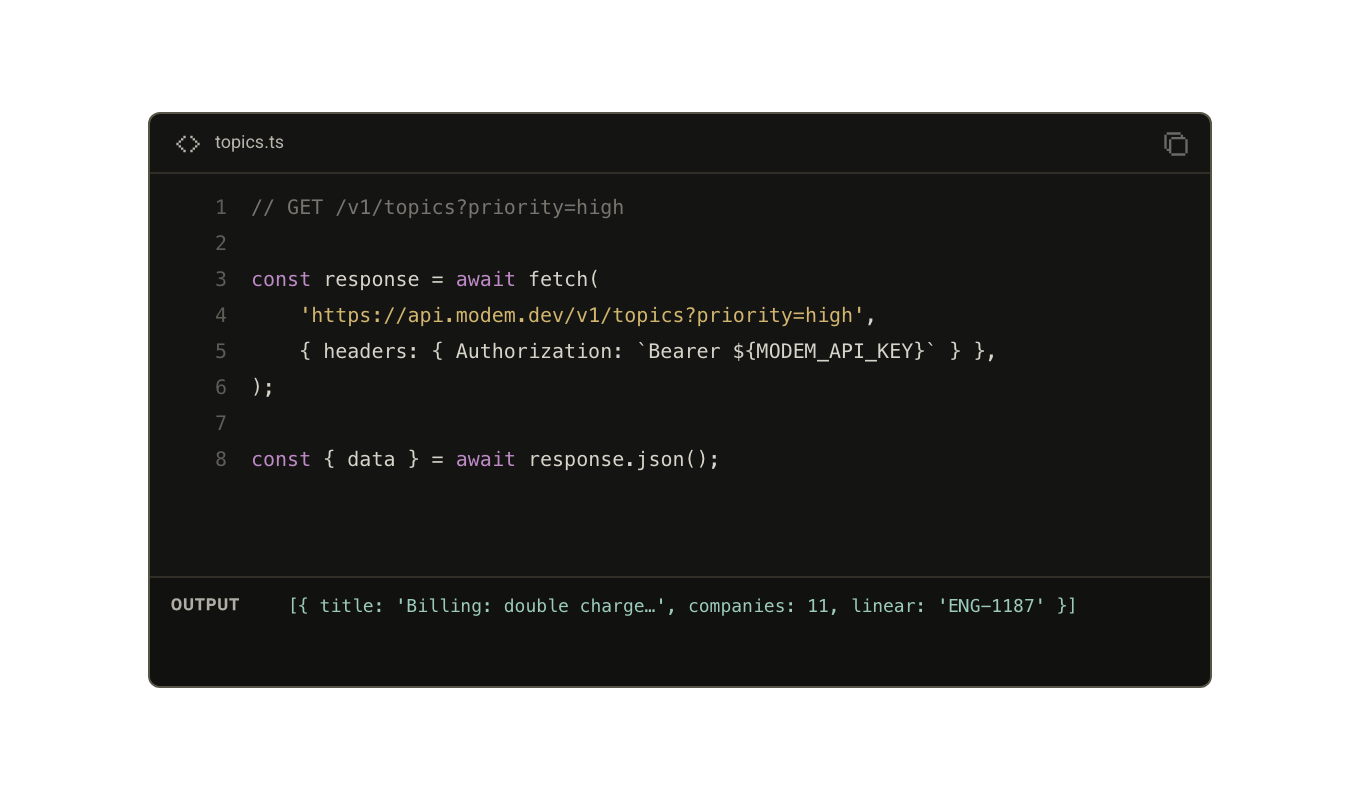
Build your own workflows on top of the same topics, customer evidence, and current work state.
Explore the API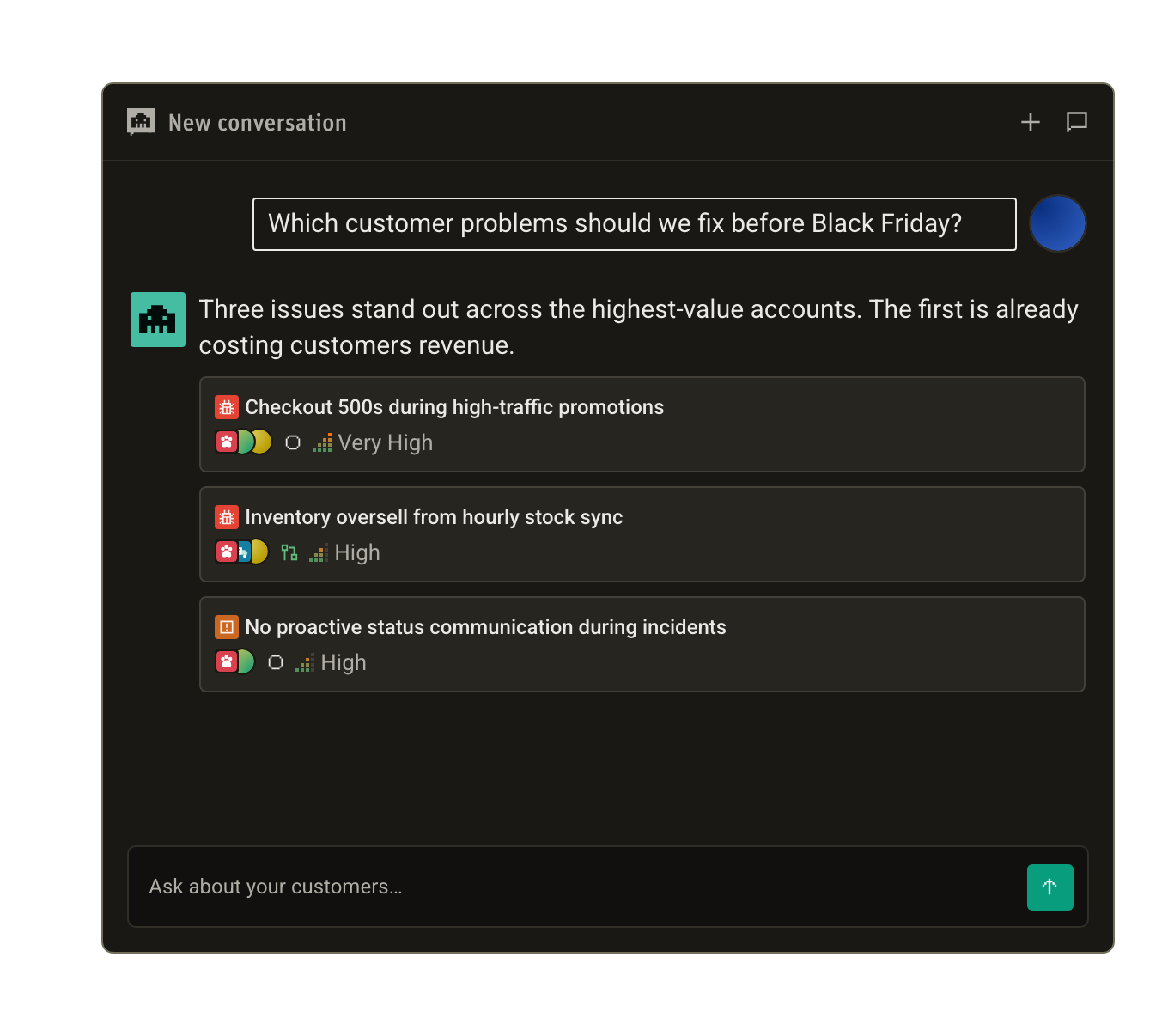
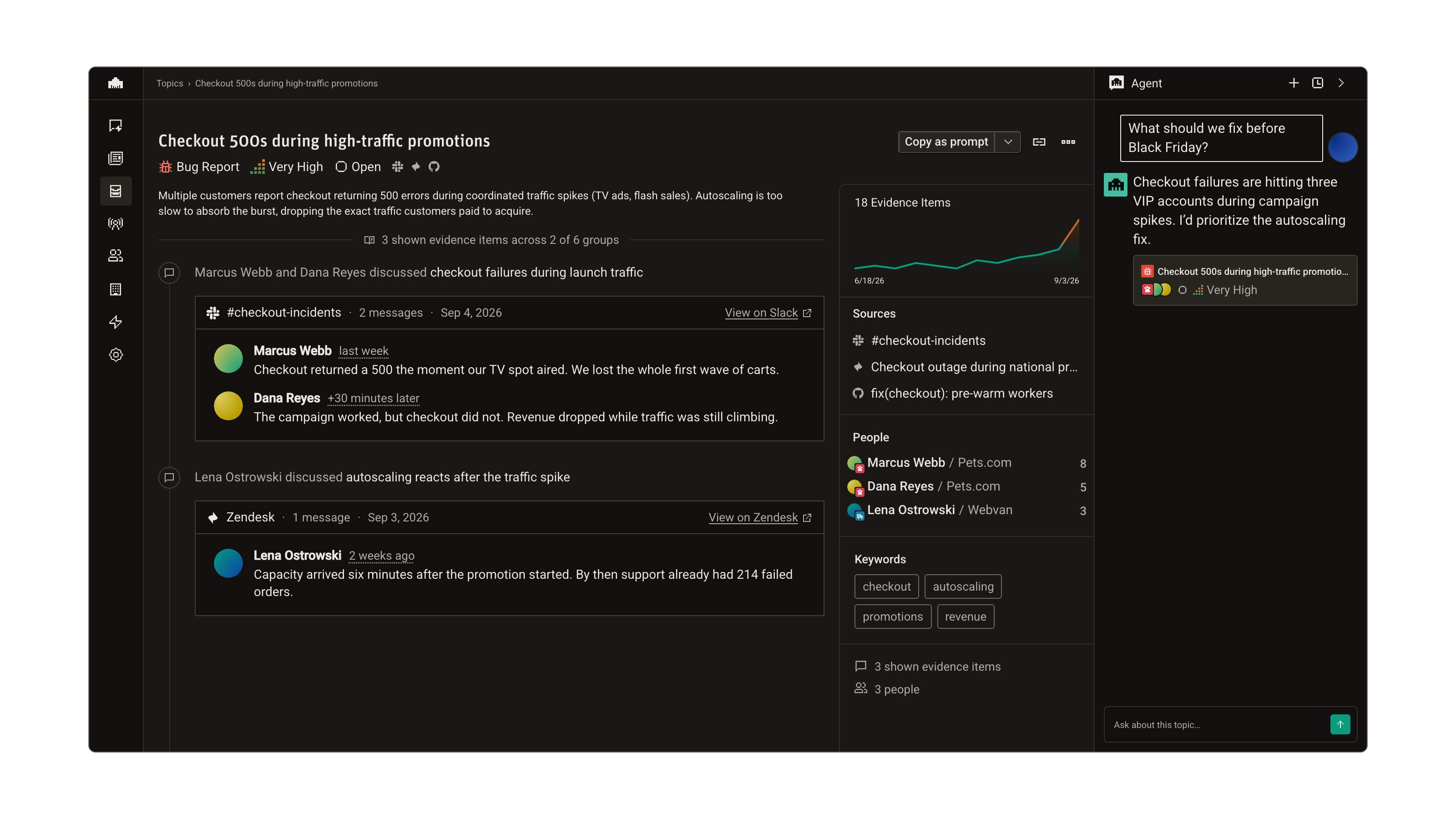
Go from a broad question to the source evidence, with an agent built into your workspace.
Explore the Modem agentAgents need more than a pile of old messages. Modem connects new signals to what you already know, updating the picture while keeping the evidence behind it.
Customer conversations, decisions, and product updates flow into Modem.
Each signal connects to the right topics, people, companies, and work.
Fresh summaries, current state, and source evidence, ready for the next question.
Model Context Protocol
Connect Modem to the tools you already use. Search customer conversations, investigate a topic, and bring the evidence into your next plan or pull request.
Read the MCP docsclaude mcp add --transport http modem \
https://mcp.modem.dev/mcpRun /mcp inside Claude Code, then finish authorization in your browser.
Native Slack agent
Mention @Modem to bring customer context into the channel. Get the whole story without asking your team to leave the conversation.
 Answer questions together
 Keep the team in the loop
The Modem agent
Work with an agent right beside your customer evidence. Ask follow-up questions, compare priorities, create tickets, and turn what you learn into a plan.
MCP access is scoped to the organization you authorize. Write tools check your existing role before making changes.
Manage agent write access for supported integrations, so your team decides which tools Modem can make changes in.
Review agent activity and inspect the evidence behind changes. Trace the work, then use the agent to make corrections.
 Product